


How to Use an Electronic Signature: 6 Easy & Secure Methods
January 27, 2026 | Posted By Admin
Posted by : Admin
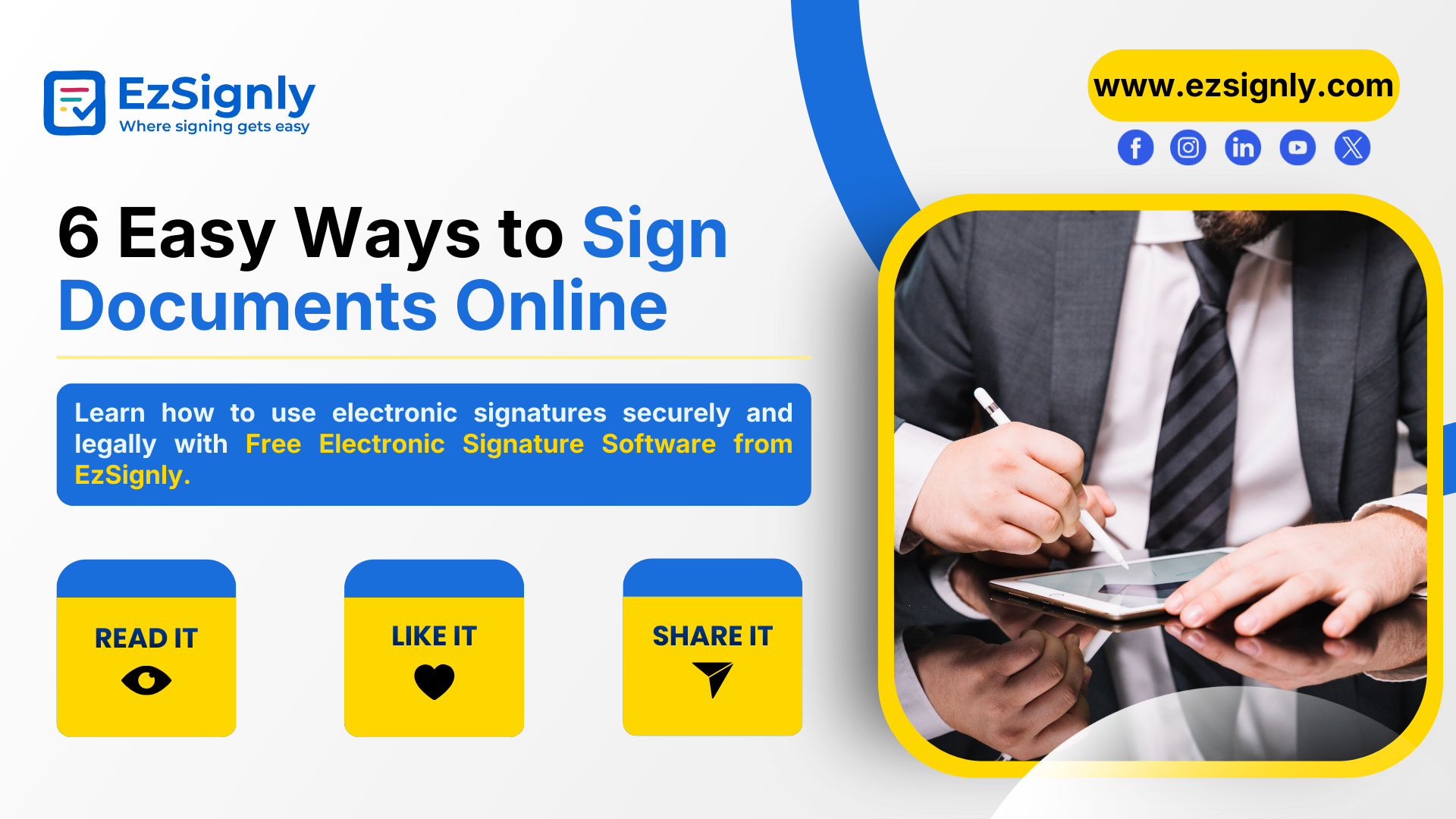
6 Easy Ways to Sign Documents Online
Business is rarely delayed because someone said no. Business is often delayed because documents are unsigned.
An approval sitting in somebody’s inbox. A contract held pending the print-scane-mail cycle. An offer letter sitting in limbo because the signer is travelling.
Electronic signatures were invented to solve just such a problem of friction.
They make signing a reality you can finish in minutes, on any computer or device, without affecting legality or security.
And because of Free Electronic Signature Software, signing documents has ceased to become something for big corporations alone but rather a tool for everyday startups, HR departments, and consulting businesses.
With this guide, you will discover six simple and secure ways to apply electronic signatures, how each process works, what it means when you apply it to your situation, and how you can choose one to keep your documents speedy, legal, and hassle-free.
What Is an Electronic Signature?
An electronic signature, also known as eSignature, refers to a digital method for endorsing documents, showing your intention to accept the contents in a file.
This signature can range in complexity from a signature consisting of your name typed in the document to a sophisticated digital signature that makes use of cryptographic concepts for authentication.
Currently, there is a broad acceptance regarding eSigning digital documents and their validity in different acts such as ESIGN (for US citizens), eIDAS (for citizens living in the European Union), and The Information Technology Act (for Indians).
The potential of eSignatures actually lies in their speed, malleability, and security, which can convert days of paperwork into minutes.
Why Businesses Are Switching to Electronic Signatures
Before exploring the process involved in e-signatures, it is important that you understand why the use of e-signatures has become more common in many business:
- Faster turnaround time for approvals and contracts
- Less printer, scanner, and courier costs
- Storage solutions and traceable auditing trails
- Remote-friendly workflows
- Enhanced customer and employee experiences
Thanks to the Free Electronic Signature Software like EzSignly, now small companies also have access to enterprise-level signing solutions without incurring major investments.
6 Easy & Secure Methods to Use an Electronic Signature
1. Type Your Name as a Signature
The simplest and most widely used method to eSign a digital document is typing your name into a signature field. There also exist platforms which turn your typed name into a signature font.
Best for: Quick Approvals, Internal documents, and Low-risk agreements.
Why it works:
Writing one’s own name legibly indicates an intention to sign the document. Together with email verification and timestamping, it is legally binding for the most part of jurisdictions.
2. Draw Your Signature with a Mouse or Touchscreen
This way, you can sign a handwritten signature by mouse, pen, or touch-screen.
Best for: Formal Agreements, and documents where a handwritten look is preferred
Why it works:
It looks like a physical signature and offers the benefits of the digital age at the same time.
3. Upload an Image of Your Signature
It is possible to upload a scanned or photographed image of your handwritten signature on documents.
Best for: Branding Consistency and frequent signers seeking consistency in signature
Why it works:
This approach provides familiarity and consistency in appearance, and that is where familiarity comes into play, particularly concerning corporate officers and attorneys.
4. Use a Click‑to‑Sign Button
Some platforms are offering one-click sign. Clicking on the ‘Sign’ button is enough after reading the contract by users.
Best for:
- High volume workflows
- Customer agreements
- Subscription approvals
Why it Works:
It decreases friction and leads to high completion rates.
5. Use a Digital Certificate‑Based Signature
This sophisticated approach incorporates cryptographic encryption as well as digital certificates for identity verification.
Best for: Legal contracts, government documents, and regulated industries.
Why it works:
It provides the highest level of authentication and tamper protection.
6. Mobile Signing via SMS or Email Link
Signers get a secure link via SMS/email and can sign the agreement using their mobile device.
Best for:
- Distributed teams
- Field sales
- Employee Onboarding
Why it Works:
It provides an unmatched level of convenience along with fast response rates.
How EzSignly Simplifies Electronic Signatures
Modern teams require a solution that is not only fast and secure but intuitive, too. EzSignly is a free electronic signature software built to meet those expectations with a clean interface, robust security features, and workflows that are compliant with the law.
Users can upload documents, add signature fields, invite signers to sign, and track document status with our eSignature platform. It offers multi-model signing, so it is usually used in contracts, forms onboarding, and approvals.
For businesses seeking no-cost electronic signature software without giving up reliability, this software delivers a seamless and professional experience.
Step‑by‑Step: How to Sign a Document Online
Here’s a simple workflow you can follow with most eSignature platforms:
1. Upload your document (PDF, Word, or image file)
2. Add signer details, like their e-mail ID
3. Place signature and date fields
4. Choose a signing method
5. Send the document for signing
6. Receive a signed copy with an audit trail
This workflow is ideal for teams that need to eSign for Digital Document processes such as contracts, approvals, and onboarding forms without operational delays.
Use Cases That Benefit the Most from eSignatures
Business Contracts
Electronic signatures speed up the signing of sales agreements, NDAs, and vendor contracts, hence improving deal velocity.
Human Resources
eSignature can be used to ease pressure on HR teams by getting offer letters, policies, and onboarding forms signed.
Legal Documents
Law firms and corporate legal departments increasingly eSign Legal Documents to ensure traceability and compliance.
Freelancers and Consultants
Freelancers can eSign approvals, proposals, or invoices in Digital Documents in seconds.
Are Electronic Signatures Secure?
Yes, when done right.
Trustworthy eSignature solutions utilize:
- SSL Encryption
- Data storage security
- Time-stamped audit logs
- IP Tracking
- Email or SMS verification
Our free eSignature platform adheres to the above best practices to ensure all signatures are verifiable, tamper‑evident, and defensible.
Legal Validity of Electronic Signatures
Use of electronic signatures has been considered to have legal binding effect in many States through legal frameworks such as: Electronic Signatures in Global, eIDAS Regulation (EU) and Information Technology Act (India).
Provided that questions of identity, intentions, and consent have been conclusively proved, e-signatures have equal validity to hand-written signatures.
Choosing the Right Free Electronic Signature Software
When selecting a solution, look for:
- Legal compliance
- Ease of use
- Security features
- Audit trails
- Mobile compatibility
Our leading free electronic signature software stands out by combining simplicity, compliance, and performance in one platform.
Final Thoughts
Electronic signatures are a business imperative. They reduce delays, cut costs, and create frictionless digital workflows. So why wait until your workflow to collapse to improve upon it?
Change how your organization does business with documents by using one of the six safe ways to send something above and finding a good solution, like EzSignly.
Whether one needs to e-sign for the Digital Document workflows, manage the eSignature for HR documents, or securely e-sign Legal Documents, modern-day free e-signature software empower individuals to work faster and smarter.
Now is the perfect time to move your business forward with confidence into the modern era of digital signing.
EzSignly empowers modern teams with fast, secure, and legally compliant electronic signatures, making document signing effortless for everyone. Sign Up Today!!
Take a look at the latest blog
What is an Electronic Signature Everything You Need to Know in 2025
An electronic signature is a digital way to sign documents and agreements online. It represents a person’s intent to approve or agree to the contents ...
January 13, 2026
Understanding the Role of AI and Automation in eSignature Software in 2026
AI and automation in eSignature software improve security, speed, and accuracy by enabling smart verification and automated signing workflows.
February 20, 2026
Why E-Signatures Are Essential for Business Digital Innovation
E-signatures enable faster, paperless approvals and support secure, efficient digital business processes.
January 27, 2026
E-Signature Laws in India: Everything You Need to Know from EzSignly
Learn how electronic signatures are legally recognized in India and how EzSignly makes secure digital signing simple.
February 13, 2026
Have any other questions? EzSignly's team is here to help!
© 2026 Copyright EzSignly. All Rights Reserved